Adobe – Exploring AI in Creative Workflows
ROLE
UX Designer
DURATION
2 Weeks
TEAM
15-Person Cross-Disciplinary Team
SKILLS
CONTEXT
What do creatives actually want AI to do?
Adobe's MINT team came to SCADpro to explore what comes next for generative AI in creative workflows. Not just what AI can do, but what creatives actually want it to do. Where should it take over, where should it stay out, and how do you keep the process human centered.
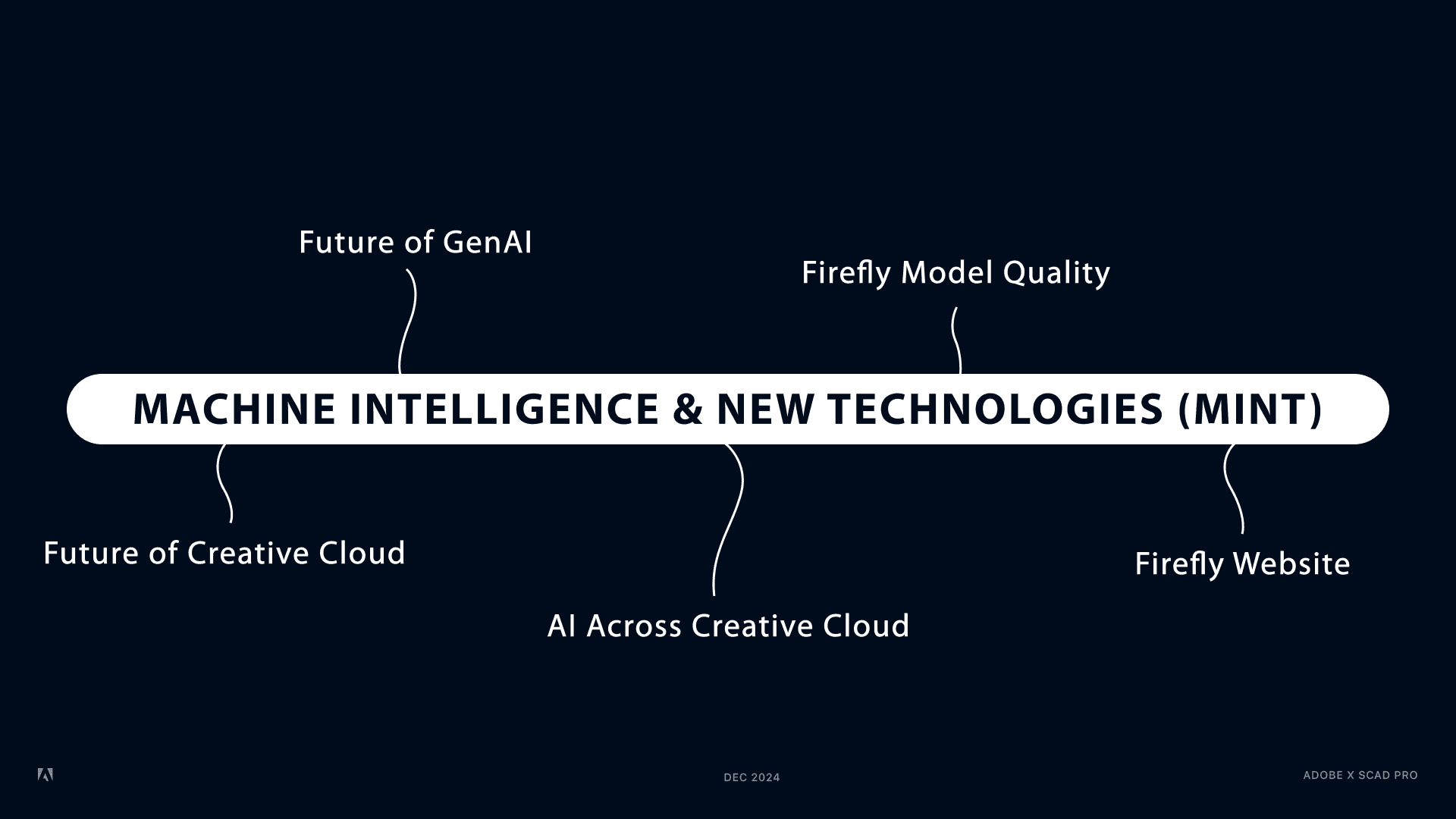
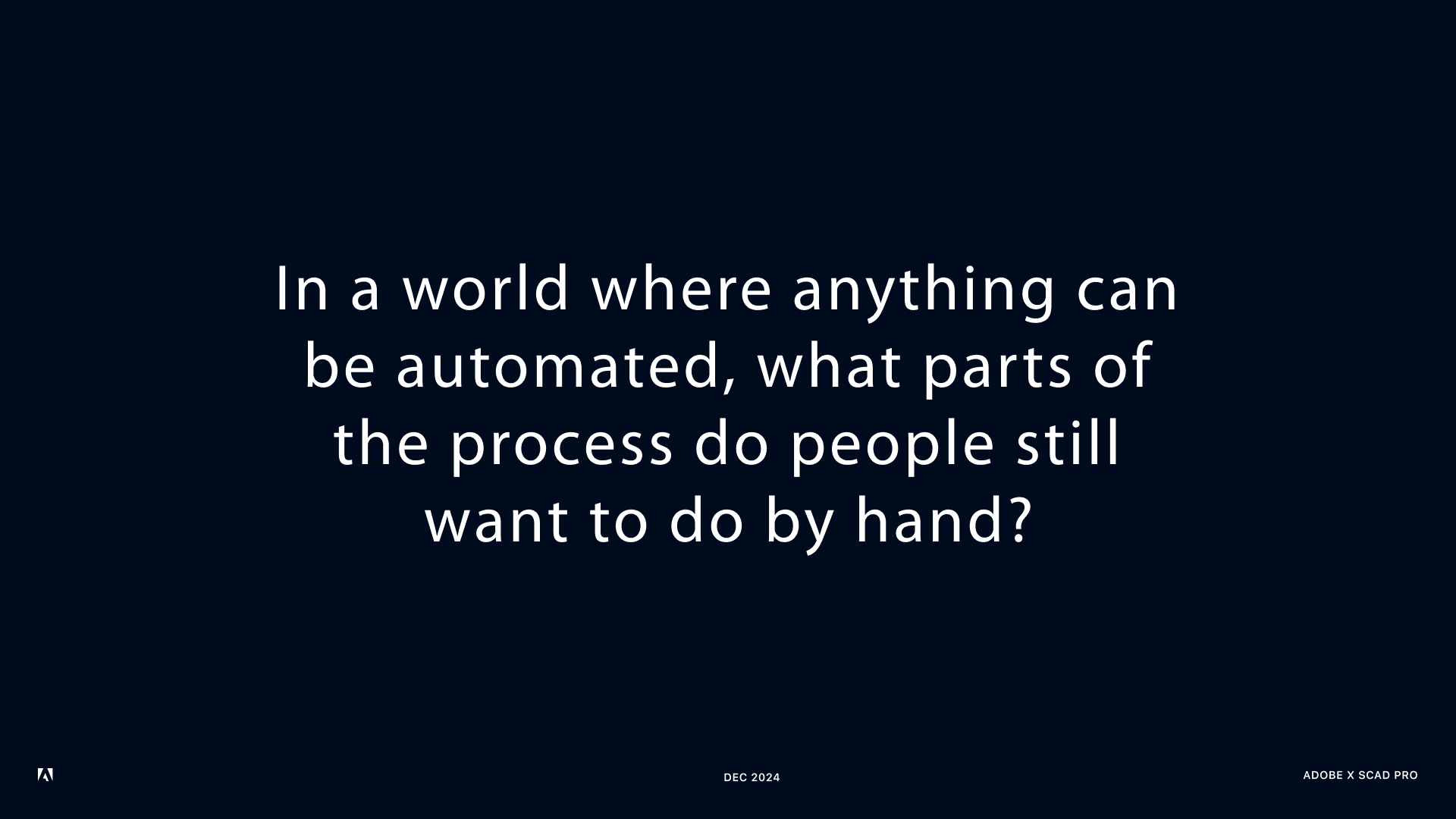
Fragments from Adobe's MINT team kickoff presentation
PROBLEM
The mid stage of the workflow has no AI support
The hardest part of any project is deciding what to make from what you found. AI does not help with that yet.

Made with Adobe FireFly
Ideation
Exploration
Decision
Execution
Output
OUTCOMES
6
Early directions explored across the AI creative workflow
2
Concepts developed and presented to Adobe's MINT leadership team
RESEARCH
8 out of 35 apps have no AI at all
The rest are focused on generating, automating, processing. All useful, all happening before or after the creative decision. Nobody is in the room when the thinking is actually happening.
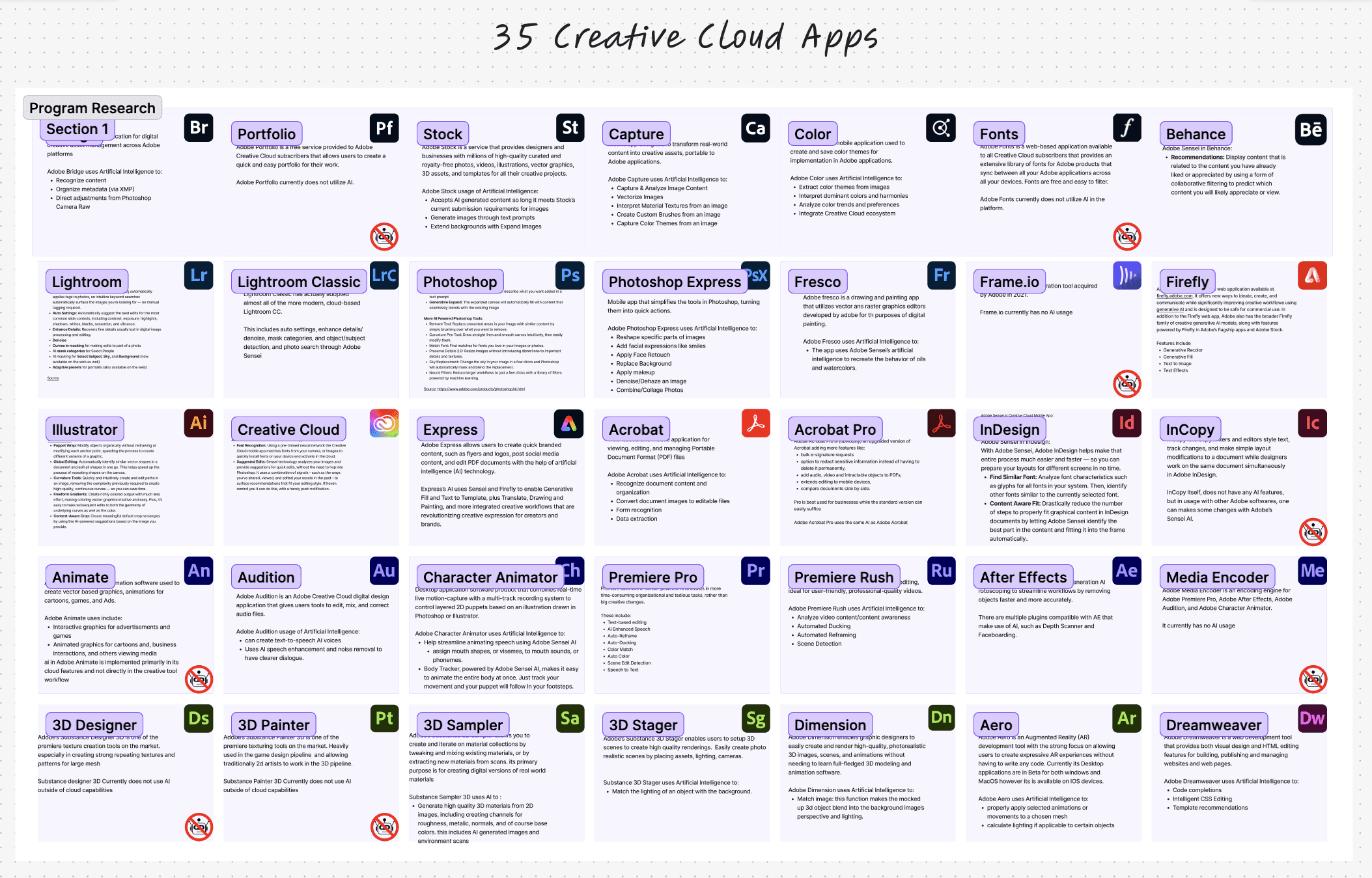
Snapshot of Creative Cloud Apps Analysis
Designers know where AI belongs. The tools don't
We surveyed 23 creatives across disciplines. They want AI to handle execution, freeing them to think, ideate, and decide. The current toolset does the opposite.
Anna, Graphic Designer
"I love and want to spend most of my time in the ideation and brainstorming phases. At the execution level, AI could do a lot for me — but what makes AI deliver great outcomes is having a great idea in the first place."
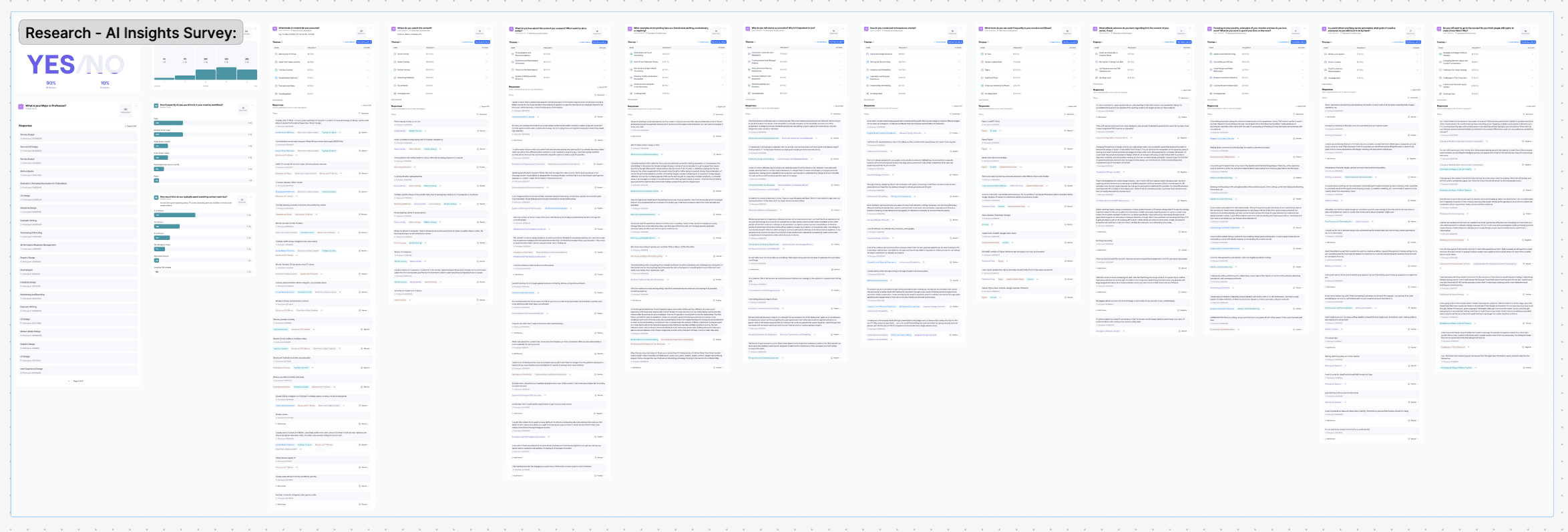
The FigJam survey snapshot
IDEATION
Six directions, one constraint
Drawing from both research and firsthand creative experience, each concept targeted a different touchpoint within the mid-stage workflow, where creative decisions are still being made.
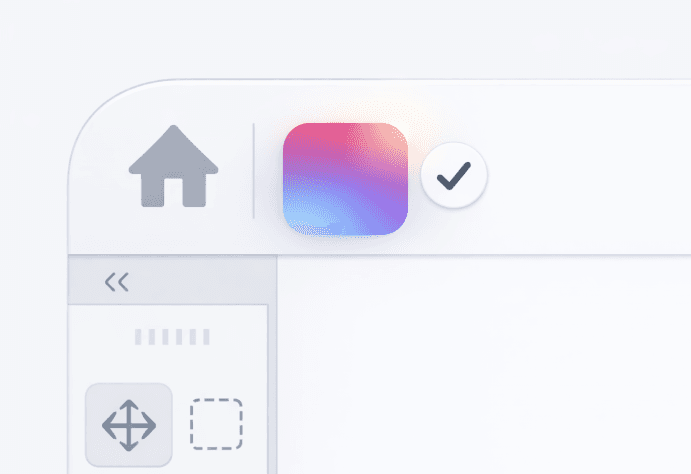
Documentation Assistant
Capturing creative decisions as they happen

Iteration Tracking
Mapping how ideas evolve over time
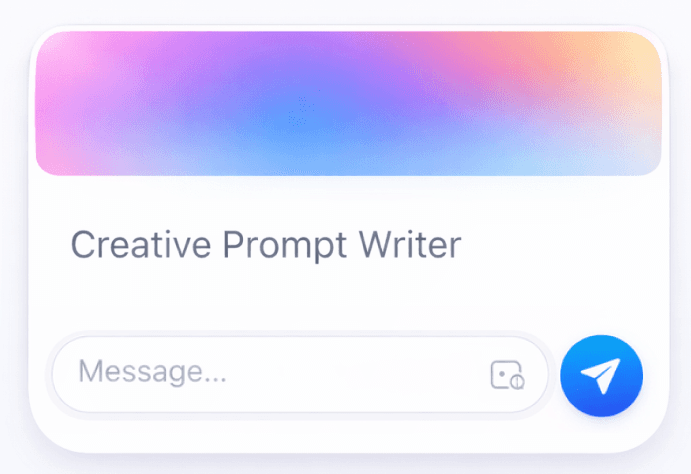
Creative Prompt Writer
Supporting idea exploration and variety

Creative Critique
AI feedback during exploration
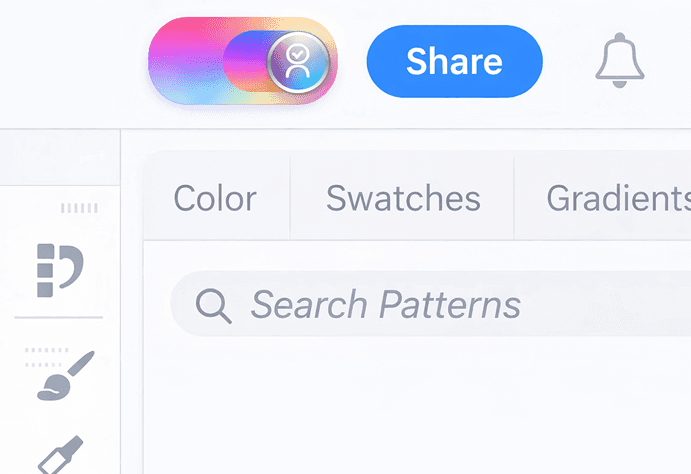
Style-Aware AI
Maintaining and evolving personal style